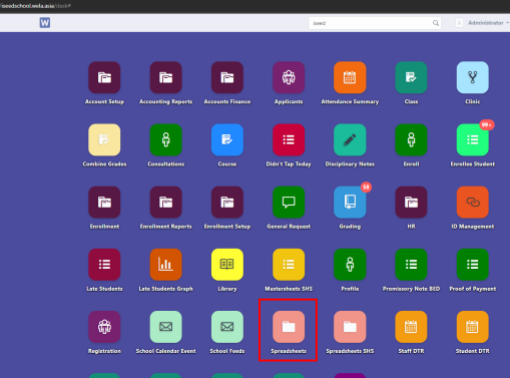
After logging in, request the conduct sheet from the Spreadsheets icon/Generate spread sheet from the search bar
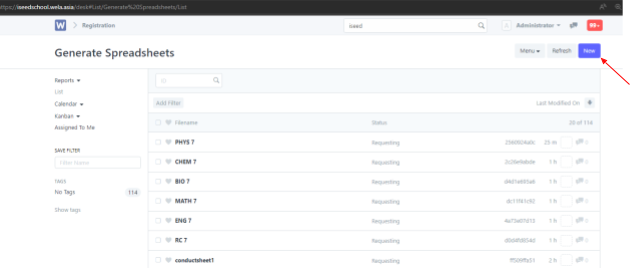
Click on New at the top right
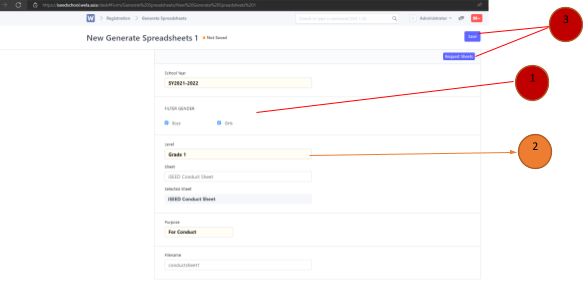
Check both boys and girls> Select Grade level 1-10 > Select the sheet > “iSEED Conduct Sheet” > purpose: For Conduct. After that on the top right click save then request sheets.
Extract and open the file > Input the letter grade for each habit. After finishing then save the file.
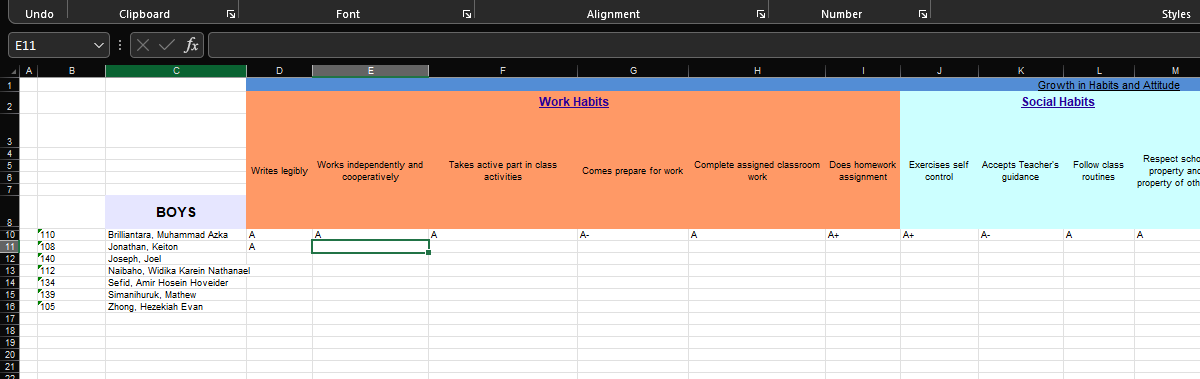
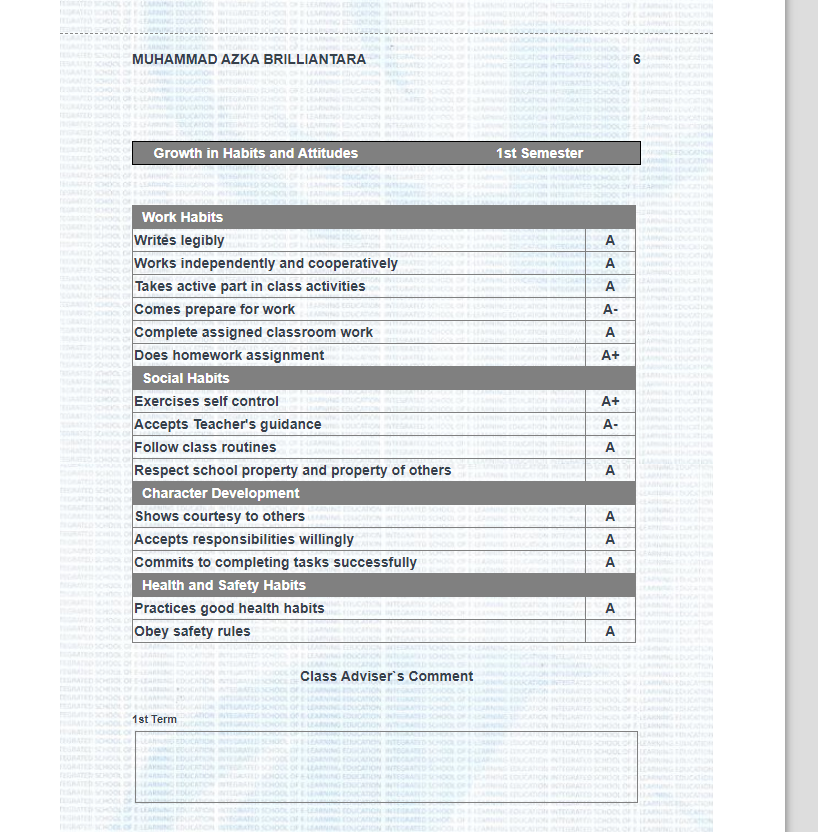
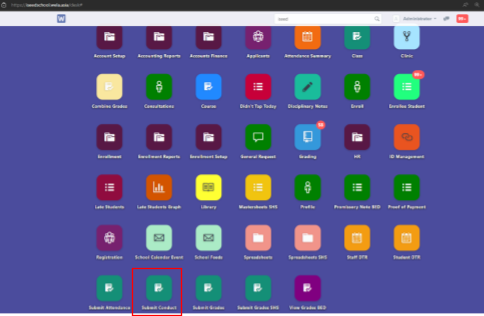
After the encoded file is ready, go back to the menu and select submit conduct icon
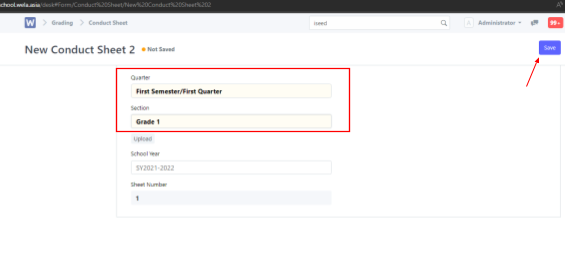
Click New on the top right
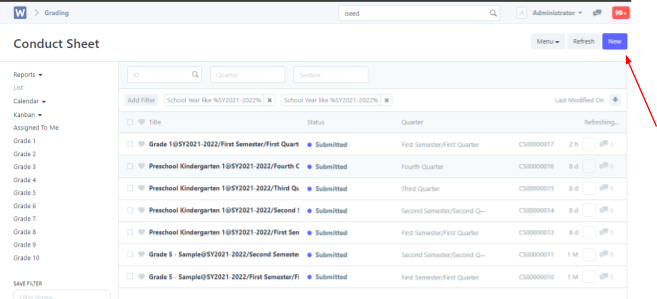
Choose the correct Semester/Quarter and Grade section > Click Save on the top right
Upload the edited file > Click Submit
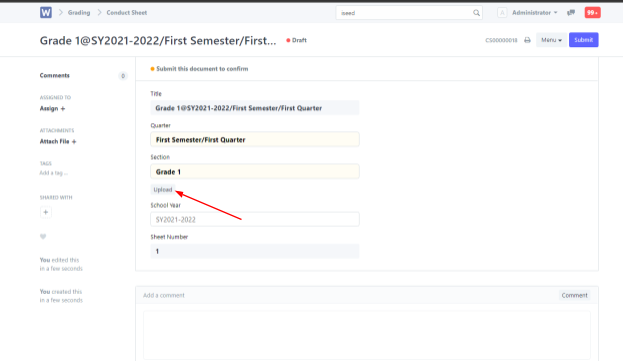
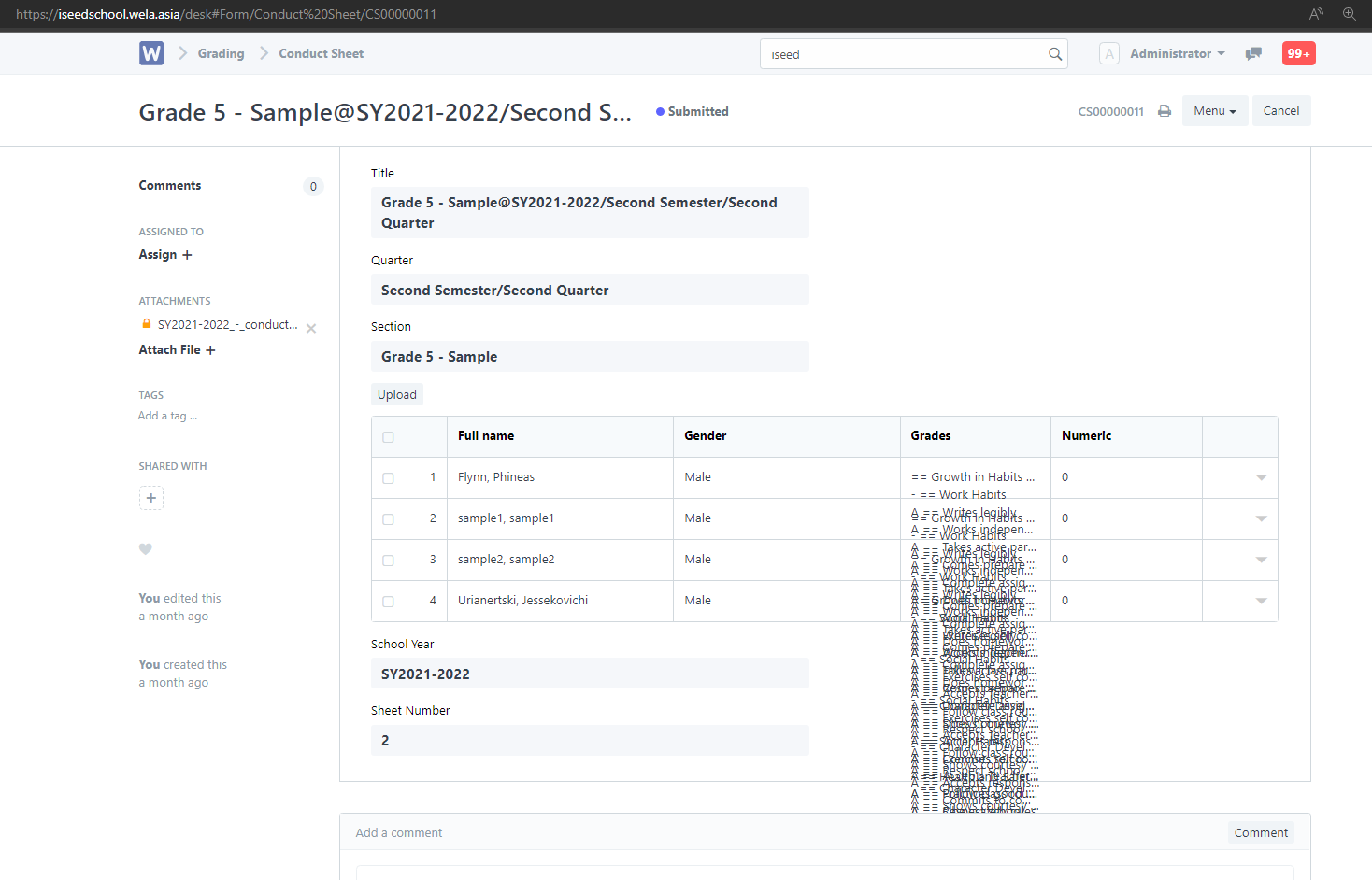
It should look something like this after submitted