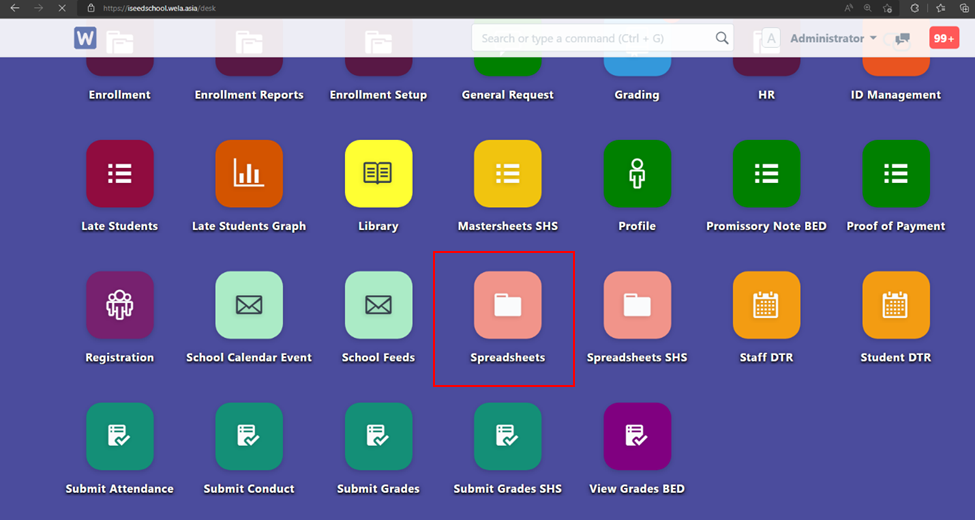
Login to the portal main page https://iseedschool.wela.asia/desk, click on spreadsheets to generate attendance sheet
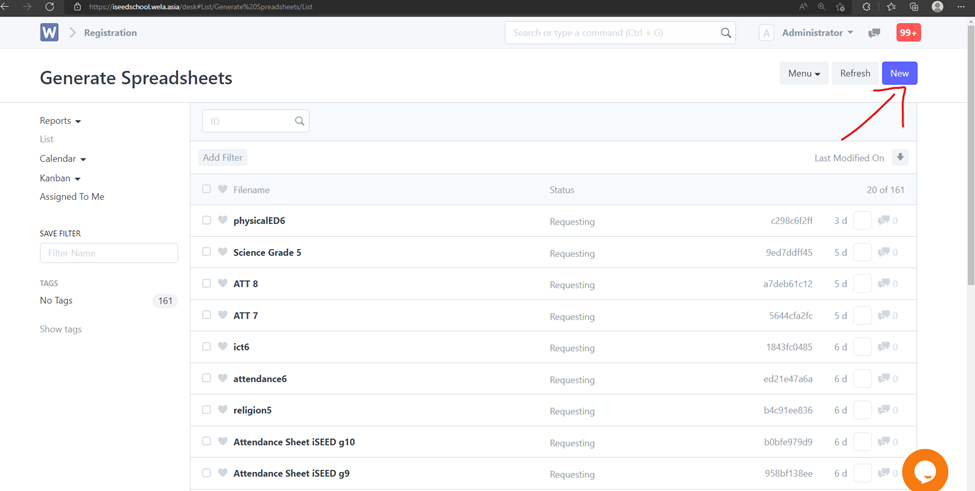
On the top-right click New
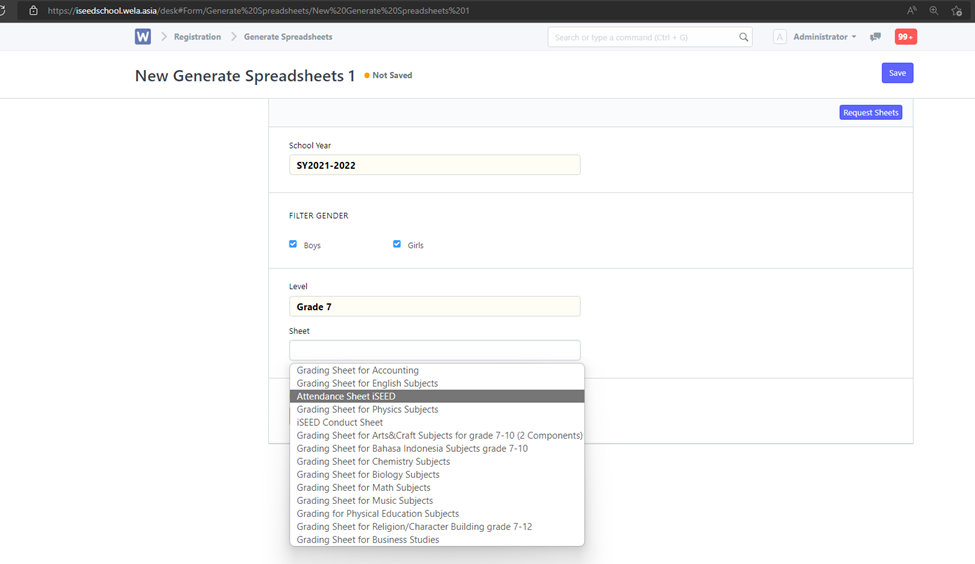
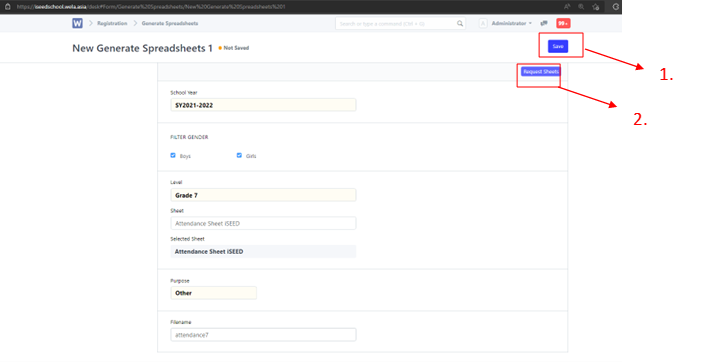
Choose the proper School Year > Check both boys and girls in filter > Select the Grade level > Choose sheet “Attendance iSEED"
Name the file for download > on the top right click Save then Request sheets
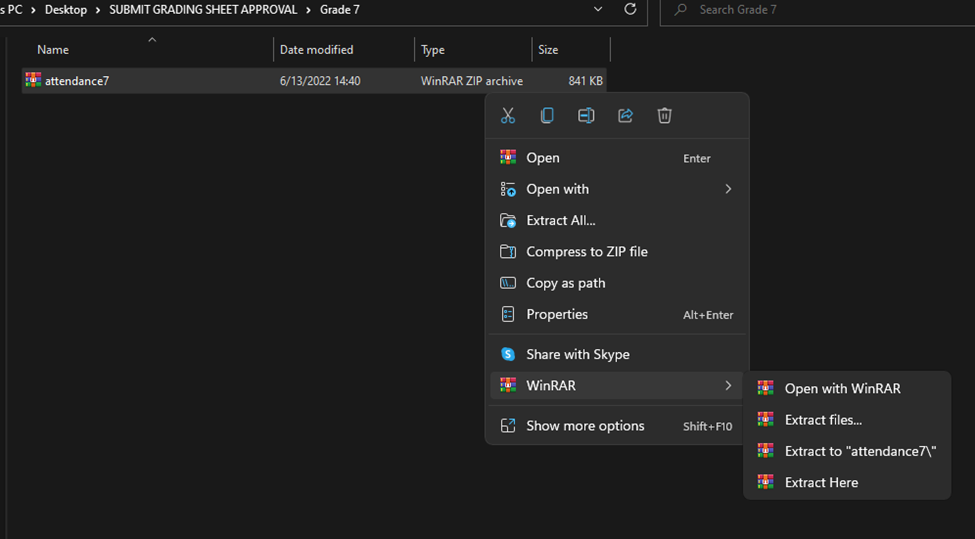
Extract the zip file in file explorer, then open the excel file
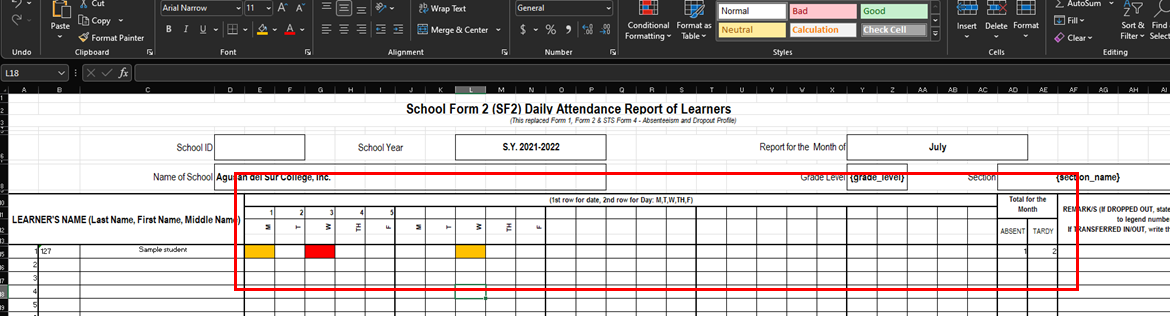
The middle row can be written as reference/ filled with color for date and day (this will not be read in the system).
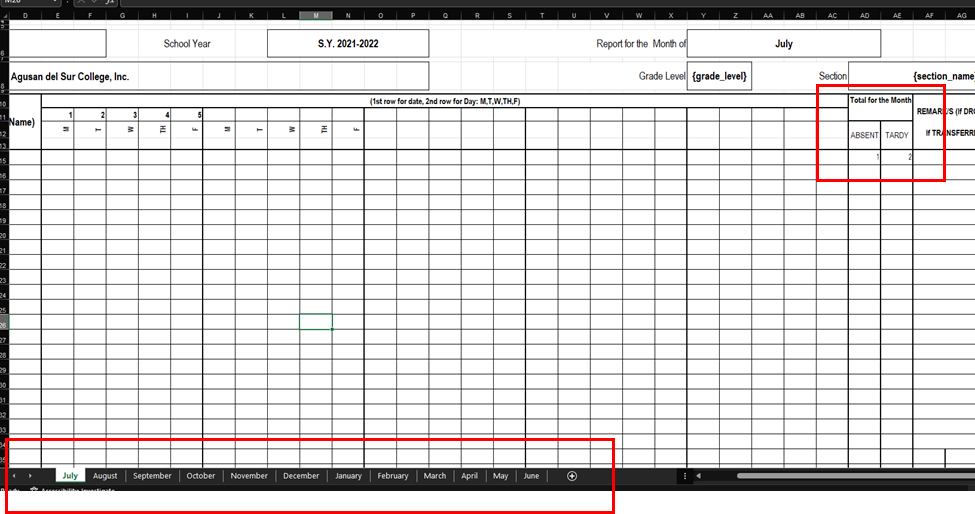
The system will only read the data in Absent and Tardy column (in numbers) for each month sheet (on the bottom)
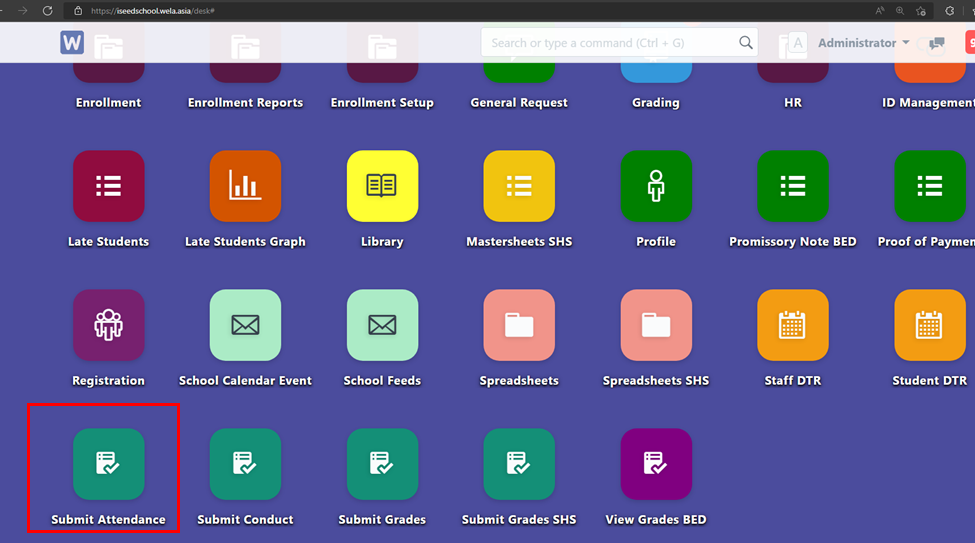
After finish editing on the excel file, save it, and upload it to the “Submit attendance” in the portal main page
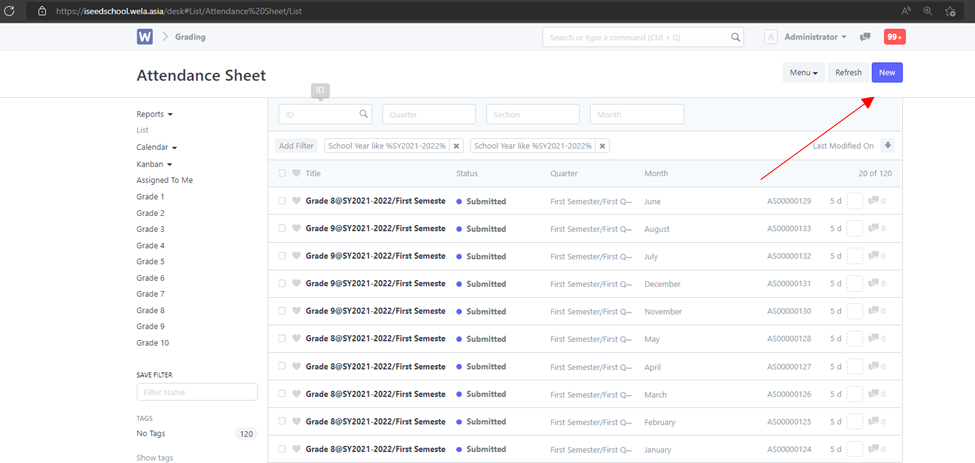
On the top right click new
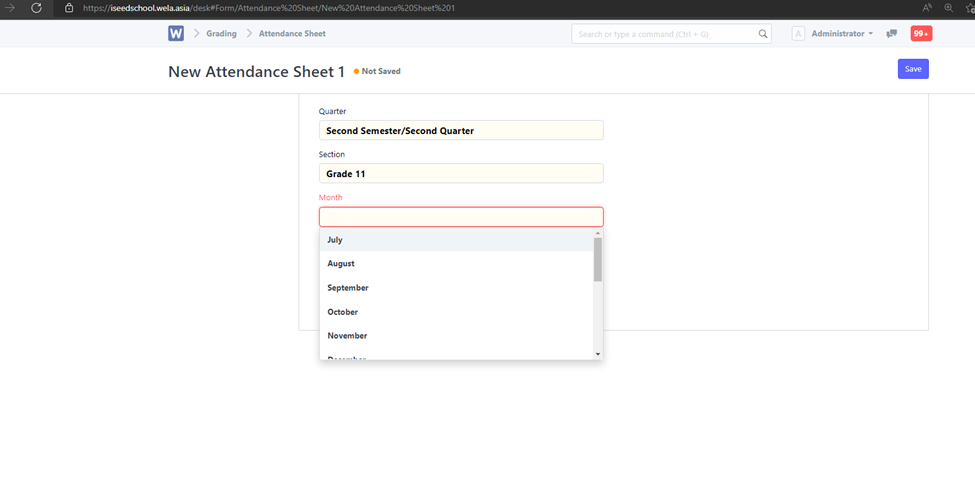
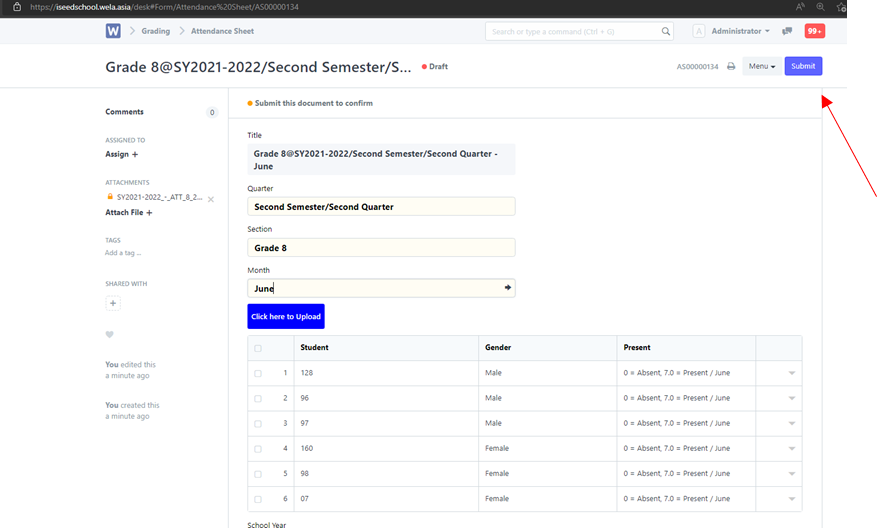
Select the proper the proper grade level in section, and for each of the months you could use the same excel file edited > Click save on top right.
Click “Click here to upload” to attach the file > submit
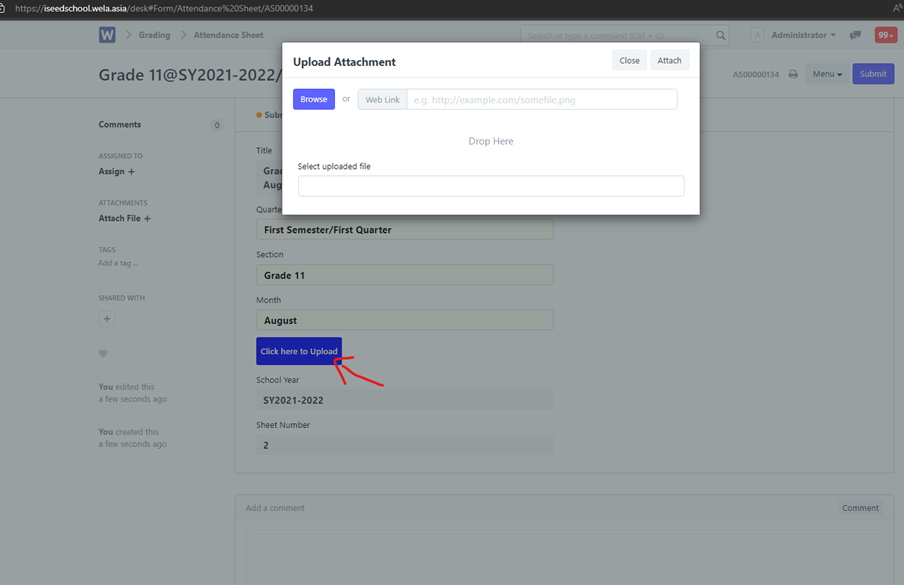
If everything is correct click on the top right Submit button and permanently submit. Now repeat for the remaining months.
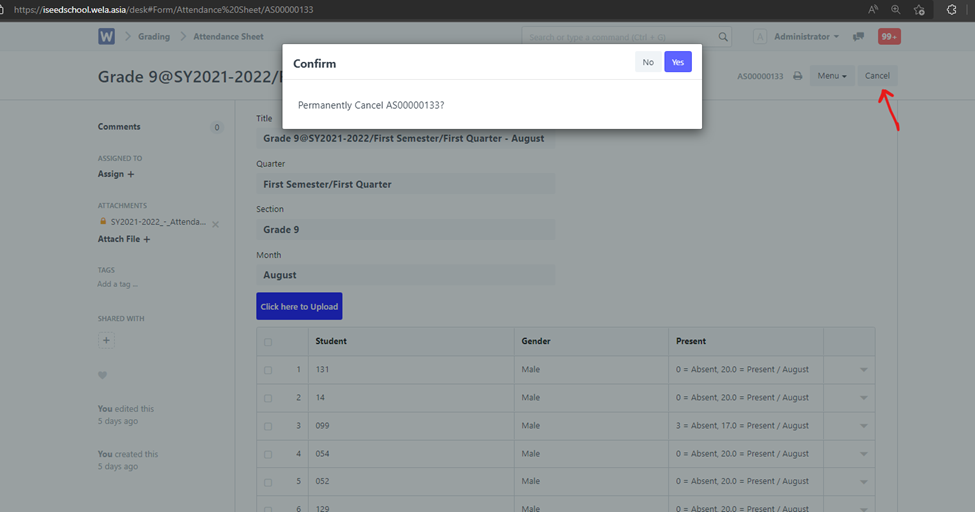
If there is an error/revision the submitted attendance should be cancelled > drop down Menu> delete and upload the new one.